

Shonen TCG · Guides
One Piece TCG Keywords Explained: Rush, Blocker & More
TL;DR: One Piece TCG keywords are the shorthand on card text that defines what a card does. The four combat keywords to learn first: Rush (attack the turn it is played), Blocker (redirect an attack onto this Character), Double Attack (2 Life damage to a Leader), and Banish (damaged Life card goes to trash, not hand). Then the timing keywords, On Play, When Attacking, On K.O., Activate, Trigger, tell you when an effect fires. Knowing these lets you read any card at a glance.
Note: Keywords appear in brackets or bold on card text. Learning the dozen common ones means you can read almost any OPTCG card without a rules lookup.
One Piece TCG keywords: quick answer
Keywords come in two groups, and you read them differently:
- Combat keywords change how a Character fights: Rush, Blocker, Double Attack, Banish.
- Timing keywords tell you when an effect happens: On Play, When Attacking, On K.O., Activate: Main, Trigger, Counter.
Learn the four combat keywords first; they decide most board interactions. The timing keywords then tell you the sequence in which everything resolves.
GODEEPER: Need the full turn structure these keywords operate inside? Start here. One Piece TCG How to Play: Rules & Mechanics
The Four Combat Keywords
Rush
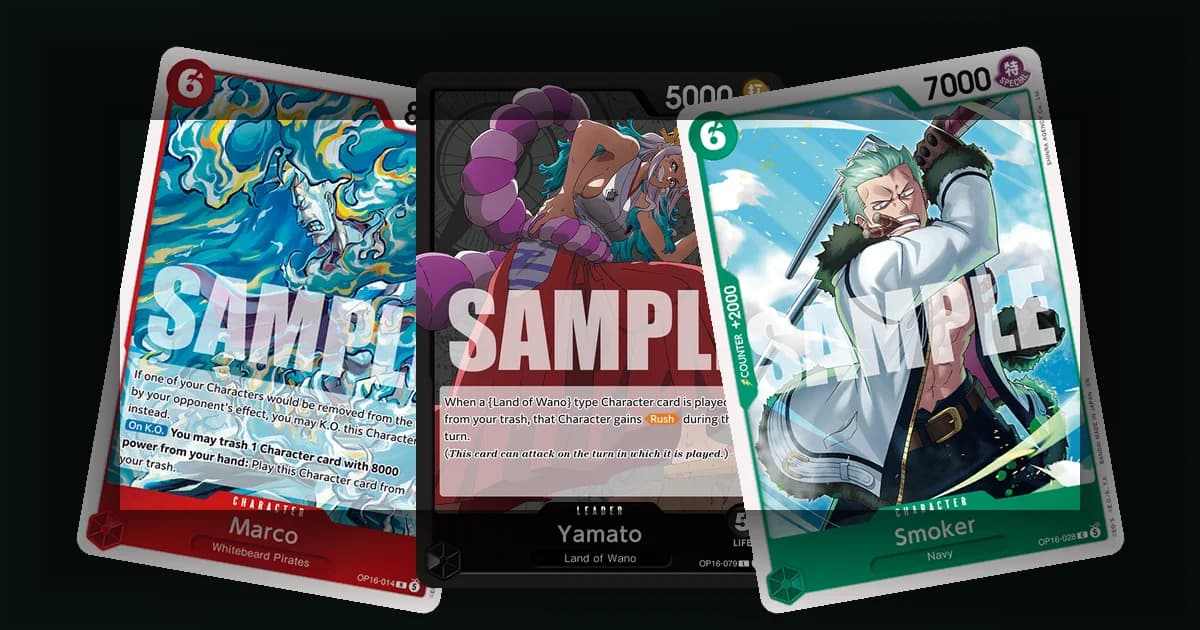
Rush lets a Character attack the turn it is played. Normally a freshly played Character cannot attack until your next turn (summoning sickness). Rush removes that delay, turning the card into immediate pressure. It is the backbone of aggressive decks and of recursion strategies that replay attackers from the trash, where a Character that comes back with Rush can swing again right away.
Blocker
Blocker lets you redirect an attack onto that Character. During your opponent's attack, you may rest an active Blocker to make the attack hit the Blocker instead of its original target. It is your main defensive tool: a Blocker can save your Leader from a lethal swing or absorb a key attacker.
Two limits matter. A Blocker must be active (not already rested) to use the ability, and using it rests the card, so that activation redirects one attack. Aggressive players bait or trade away Blockers before pushing for the kill.
Double Attack
Double Attack deals 2 Life damage instead of 1 when the Character attacks a Leader and connects. It doubles your clock against the opponent. A 6000-power Double Attack threat can end games shockingly fast, so these are priority cards for the defender to block or remove before they connect.
Banish
Banish sends the damaged Life card to the trash instead of the opponent's hand. Normally taking Life damage gives the opponent a card (and any Trigger on it). Banish denies both, the card and the potential Trigger swing, which makes Banish attackers brutal in aggressive shells that want to deny resources while they race.
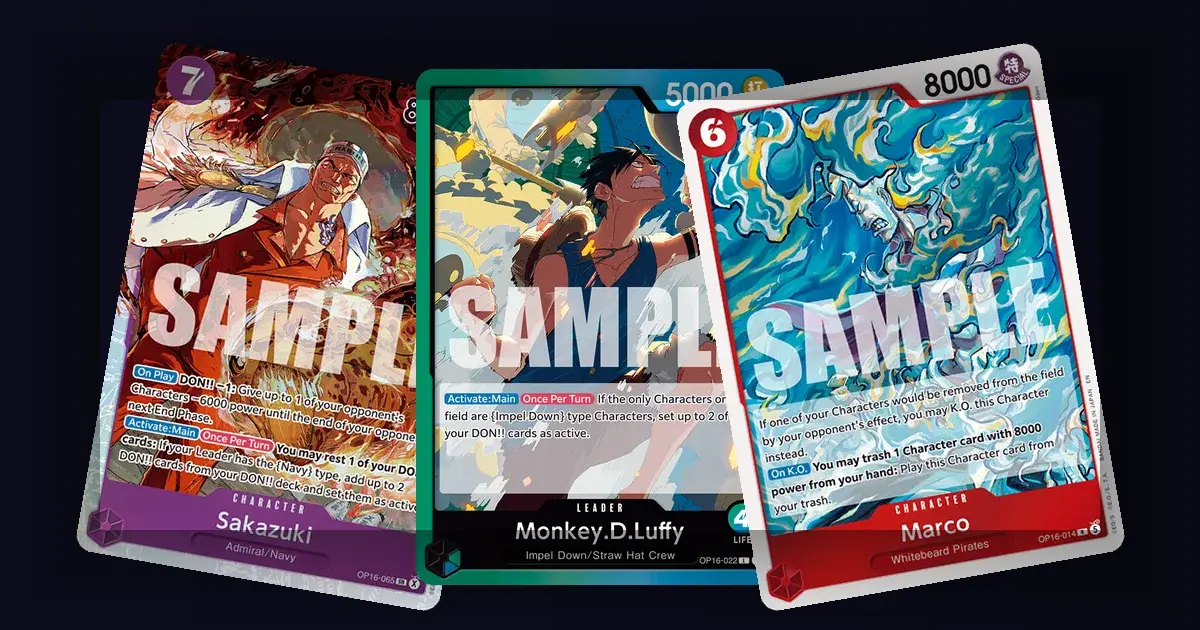
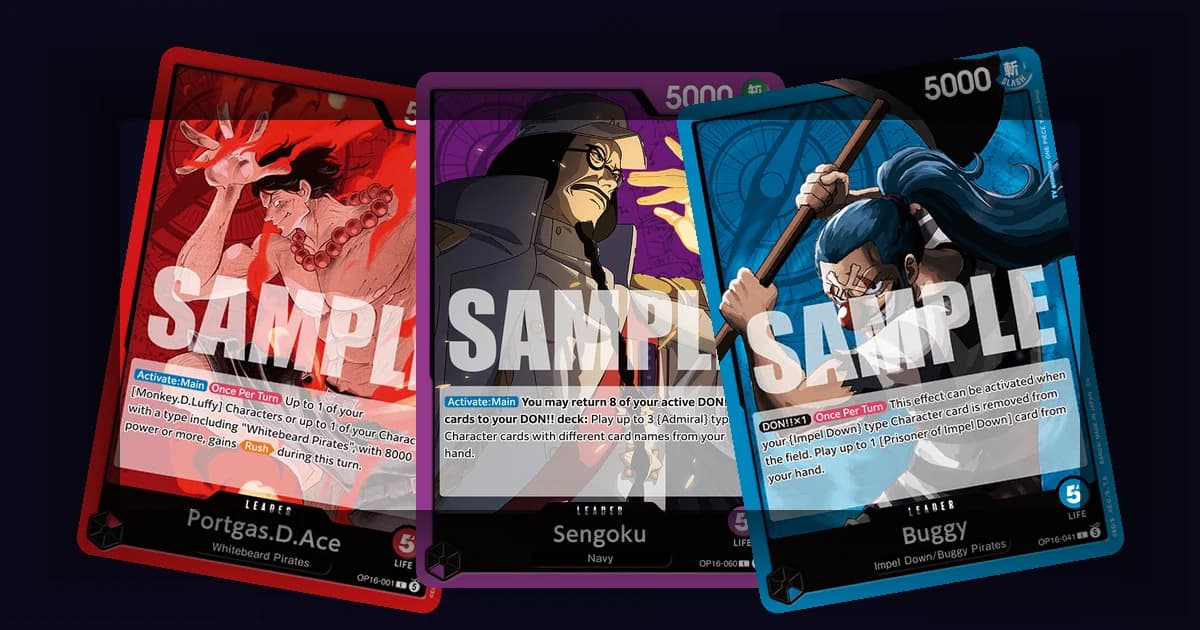
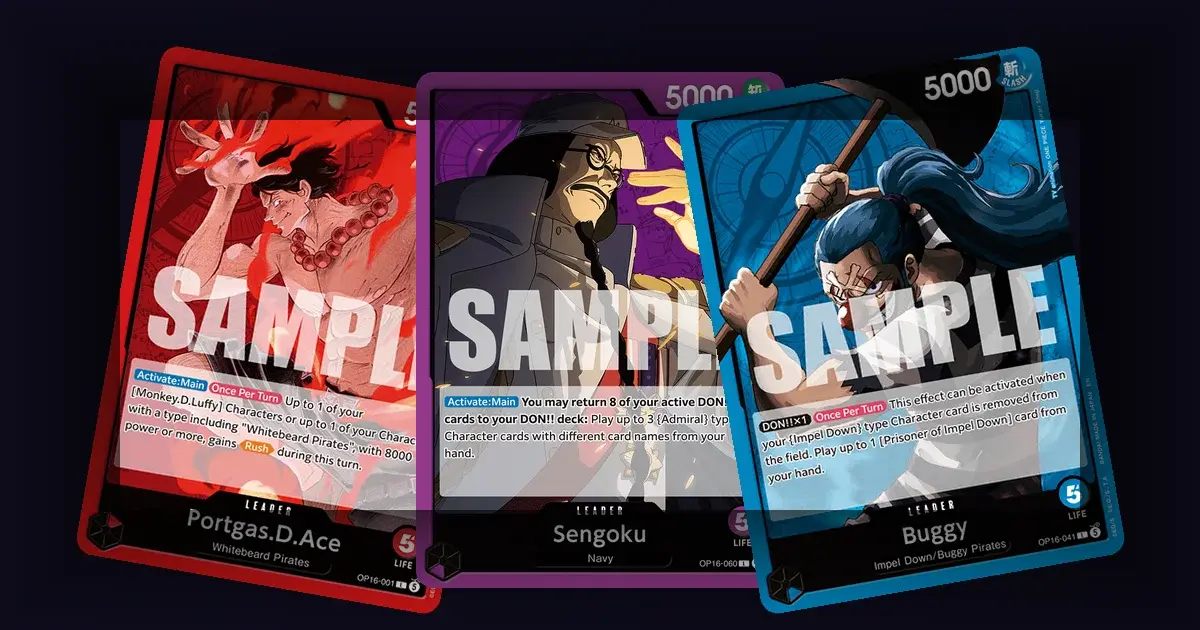
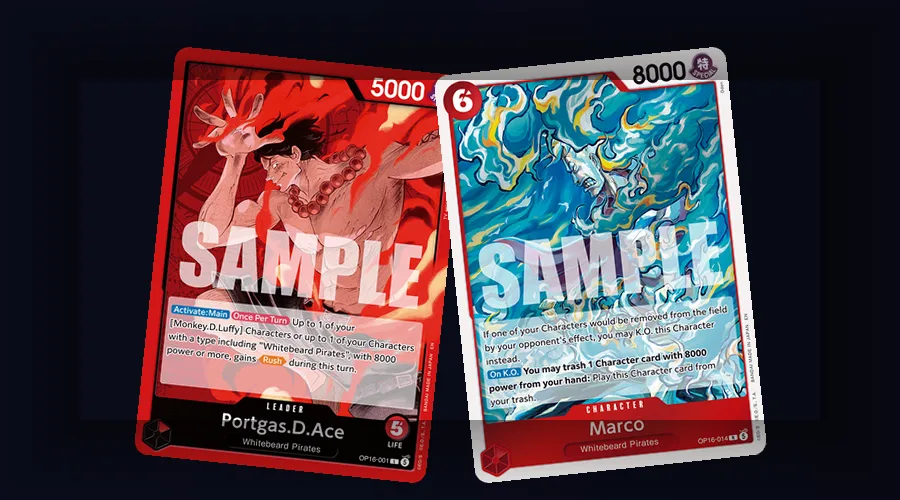 The sample cards show how Rush can be granted and how an On K.O. effect resolves.
The Timing Keywords
Timing keywords sit in brackets and tell you exactly when an effect triggers. The common ones:
- [On Play] fires when the card is played. It resolves for that play.
- [When Attacking] fires each time the Character declares an attack. Repeatable value.
- [On K.O.] fires when the Character is knocked out. Turns removal into value.
- [Activate: Main] is an ability you can activate during your Main phase, often once per turn.
- [On Block] fires when you use the Character to block.
- [Trigger] lets you reveal a Life card with that keyword and activate its effect when you take damage.
- [Counter] marks an Event effect you can use during the opponent's Counter Step; Character cards instead use a printed Counter value from hand.
The key distinction beginners miss: [On Play] resolves when the card is played, while [When Attacking] resolves when its attack is declared. A 5000-power Character with a strong When Attacking effect is often better than a flashier On Play body, because it pays off every turn you swing.
GODEEPER: The [Counter] and [Trigger] keywords are the heart of defense. See how they win games. One Piece TCG Counter Mechanic Explained
Conditional and Timing Tags
You will also see tags that restrict when or how often an ability works:
- [Once Per Turn] , the ability can only be used once each turn.
- [Your Turn] / [Opponent's Turn] , the effect only applies during that player's turn.
- [End of Your Turn] , resolves at the end of your turn.
- [DON!! x1] / [DON!! x2] requires at least that many DON!! attached to the card.
That last one ties keywords to the DON!! system: many Characters and Leaders unlock a stronger ability only when you give them DON!!. Reading the DON!! requirement tells you what a card does at full power versus baseline.
How Keywords Combine
Keywords stack, and other cards can grant them temporarily. Some examples of why this matters:
- A Character given Rush + Double Attack can arrive and immediately deal 2 Life damage, a huge tempo swing.
- A Blocker with an [On Block] effect both absorbs an attack and generates value when it does.
- An attacker with Banish plus a [When Attacking] draw-denial effect strips the opponent's resources twice over.
When you evaluate a card, read the keywords together, not in isolation. The combination is usually the point.
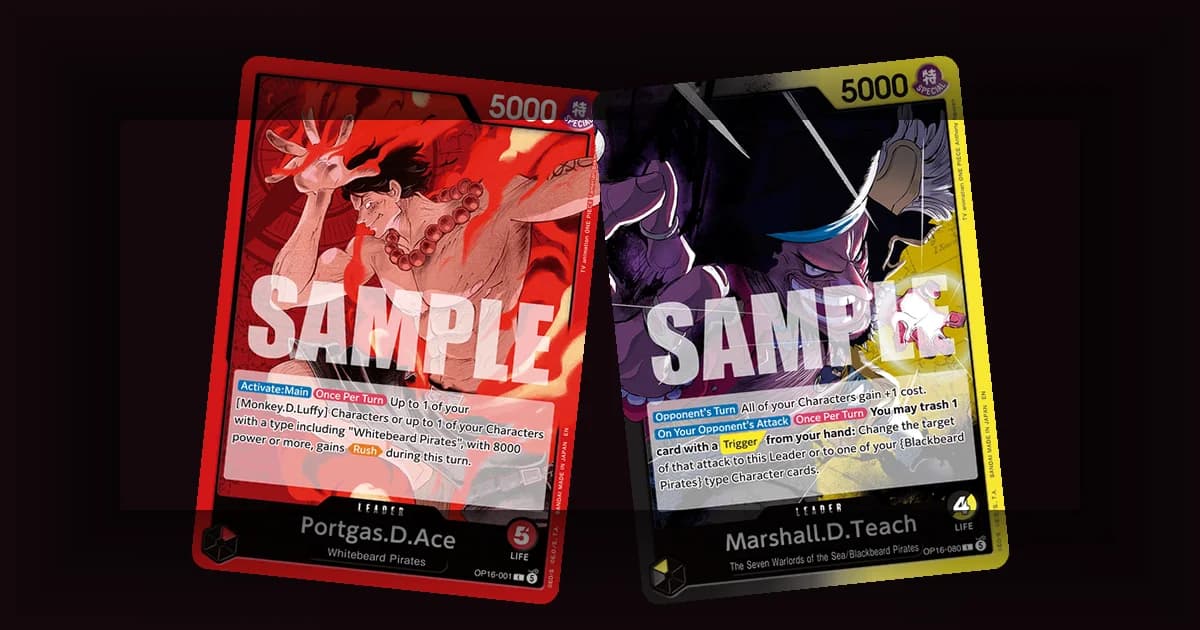
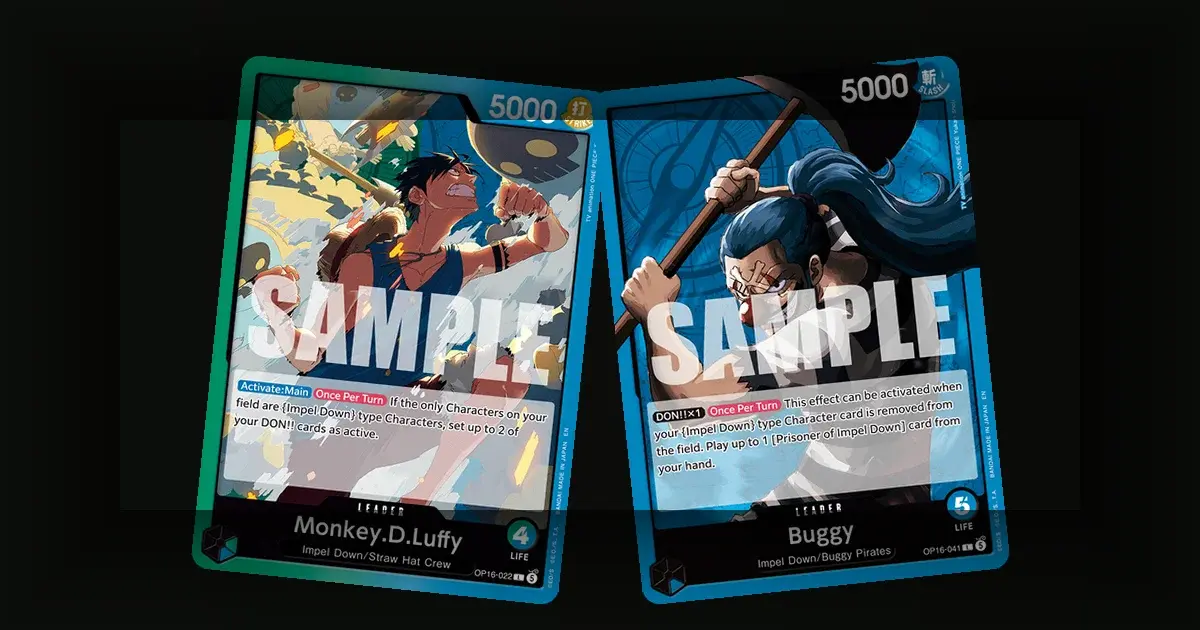
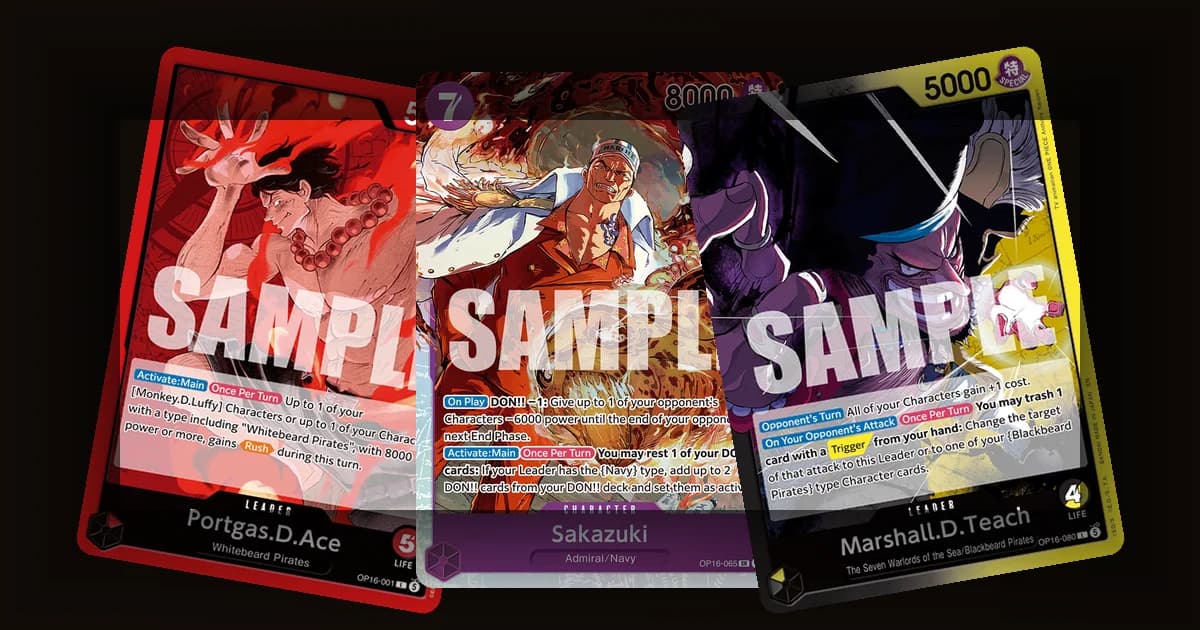
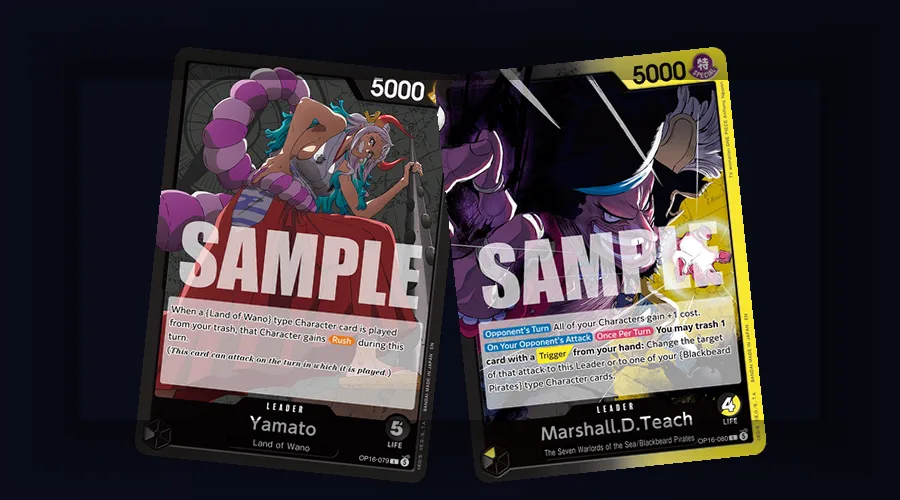 The examples show a Rush-granting effect beside another Leader ability, a reminder to read the full text rather than rely on a keyword alone.
Step-by-Step: Reading a Card Fast
Once you know the keywords, scanning a card takes seconds.
1. Check cost and power. Can you afford it this turn, and does it win the combat you're planning?
2. Scan for combat keywords. Rush, Blocker, Double Attack, or Banish change the board math before anything else matters.
3. Identify the timing keyword. Does the effect resolve when the card is played, or when the Character declares an attack?
4. Check the DON!! requirement. Does the card need attached DON!! to unlock its full effect, or does it already work at baseline?
5. Check the counter value. Can this card defend from hand during the Counter step if you need it to?
Run that checklist and you understand any OPTCG card without reaching for a rulebook.
Keyword Timing in Practice
Knowing a keyword is one thing; sequencing around it is another. A few practical timing notes that win games:
- Play On Play effects before attacking. If a Character has an [On Play] effect that buffs your board or removes a blocker, resolve it first, then declare attacks into the improved board state.
- Hold Blockers active. A Blocker only works while active, so resist the urge to attack with it. Leaving a Blocker back is often worth more than the chip damage it would deal.
- Bait before you swing. Against a known Blocker, send a throwaway attacker first to draw the block, then push your Double Attack or Banish threat through the cleared lane.
- Count DON!! for granted keywords. Many leaders grant Rush or extra power only while DON!! is attached. Before assuming a Character is "safe," check whether the opponent can attach DON!! to unlock a keyword mid-combat.
These habits turn keyword knowledge into actual tempo, which is where games are decided.
Key Takeaways
- The four combat keywords: Rush, Blocker, Double Attack, Banish
- Rush attacks immediately; Blocker redirects one attack onto itself
- Double Attack deals 2 Life damage to a Leader; Banish sends Life to trash
- Timing keywords (On Play, When Attacking, On K.O., Activate) tell you when effects fire
- [On Play] is one-time; [When Attacking] repeats every attack
- Keywords stack and can be granted by DON!! or other cards
GODEEPER: Ready to put keyword-rich cards into a coherent list? The deck-building guide covers it. One Piece TCG Deck Building Guide
Related Reading
-
One Piece TCG Beginner Guide 2026: How to Play & Rules: Core rules, DON!! system, and turn structure for players new to One Piece TCG.
-
Dragon Ball Super Fusion World Beginner Guide 2026: Dragon Ball Super Fusion World beginner guide.
-
One Piece TCG DON Card System Explained: How DON!! powers keyword abilities.
-
OP-16 All 6 Leaders Explained: Leaders whose abilities grant keywords.
-
One Piece TCG Attack and Battle Rules Explained: How keywords like Rush and Double Attack actually change a battle.
-
One Piece TCG Life Cards Explained: Why keywords like Banish change the math on taking Life.
-
One Piece TCG How to Read a Card: Where keyword text actually appears on a card, for players still learning the layout.
Frequently Asked Questions
Q: What does Rush do? A: It lets a Character attack the same turn it is played, removing the usual one-turn delay.
Q: What does Blocker do? A: You rest an active Blocker during the opponent's attack to redirect that attack onto it, protecting your Leader or Characters.
Q: What does Double Attack do? A: When it attacks a Leader and connects, it deals 2 Life damage instead of 1, doubling your clock.
Q: What does Banish do? A: The Life card it deals goes to the trash instead of the opponent's hand, denying the card and any Trigger.
Q: On Play vs When Attacking? A: On Play fires when the card is played; When Attacking fires every time the Character declares an attack.
Q: Do keywords stack? A: Yes. A Character can have several, and DON!! or other cards can grant more, like Rush plus Double Attack.
References
- One Piece Card Game Official Rules: keyword definitions and timing
- One Piece Card Game Rules Q&A: clarifications for Blocker, Banish, and Double Attack
- One Piece Card Game Official Site: terminology reference
- Limitless TCG OPTCG: cards showing keywords in context
Was this guide helpful?
About the author
Pen name for the Shonen TCG desk's tournament coverage, format analysis and cross-game comparisons.
- Results taken from event pages and standings
- Other games checked against their own official rules
- Opinions marked as ours, with the reason
Keep reading
One Piece TCG Life Cards: Face-Down, Damage and Triggers
Guides · 6 min
One Piece TCG How to Read a Card: 6 Things to Check
Guides · 6 min
One Piece TCG DON Cards: 10 Per Deck, Rest or Attach
Guides · 6 min
One Piece TCG Attacking Rules: Targets, Blocks and Ties
Guides · 6 min
One Piece TCG Mulligan Guide: Rules and Which Hands to Keep
Guides · 6 min
OP-16 Japanese vs English Price Guide: Which to Buy
Guides · 10 min
One Piece TCG Common Beginner Mistakes: 9 to Avoid
Guides · 7 min
OP-16 Where to Buy: Post-Launch Buying Guide for 2026
Guides · 10 min
Disclaimer
This article is published for informational and entertainment purposes. It does not constitute professional financial, legal, or technical advice. Game performance, online services, patch schedules, and store listings change. Verify critical details (pricing, system requirements, regional availability) with publishers and storefronts before you buy. Affiliate links, where present, help support our editorial work and are labelled in our affiliate disclosure.