Loading…
Loading…
Shonen TCG · Guides
Reviewing
One Piece TCG
Search "how to play One Piece TCG online" and you won't find a slick official app waiting for you. I checked. Bandai hasn't shipped a digital client for real online matches, and most of what ranks for this query either overstates what exists or points you somewhere outdated. Here's what's actually real, verified directly against the official site and the tools players use today.
TL;DR: There's no official One Piece TCG app for playing full online matches against other people. Bandai's browser-based Teaching App and Quick Beginner's Guide cover rules and solo practice only. The tool players actually use for real online games is Tabletop Simulator on Steam, a paid general tabletop app with free community-made One Piece Card Game mods. Limitless TCG supports One Piece Card Game as a tournament platform for pairings and decklists, not casual instant play.
No, not for playing full matches against another person. Bandai runs two official digital tools, both confirmed live on en.onepiece-cardgame.com: a browser-based Teaching App for tutorial battles and practice, and a separate Quick Beginner's Guide with an interactive rules quiz. Neither is a matchmaking client, and neither lets two real players face off online. If you want to actually play a game against someone else digitally, that happens through third-party tools, covered below.
The Teaching App (app.onepiece-cardgame.com/en) runs directly in a current version of Chrome or Safari, no download or install. The official product page describes it as a way to "master the rules in a tutorial battle" and "try out free battles with your favorite deck." That's a guided, scripted practice experience built to teach the turn structure and combat, not an open matchmaking system. Think of it as a rules simulator you play solo, not a lobby you join.
The Quick Beginner's Guide (tutorial.onepiece-cardgame.com/en) is a separate, interactive web guide organized into sections: an intro to how the guide works, the core rules, a quiz to check what you've learned, and tips pulled from stronger players. It's built for absorbing the rules quickly, not for playing a game.
Both are free and browser-based, which makes them the fastest way to learn the game if you don't own physical cards yet. If you want the full written-out rules instead of an interactive walkthrough first, this site's own beginner guide and rules-and-mechanics breakdown cover the same ground in article form.
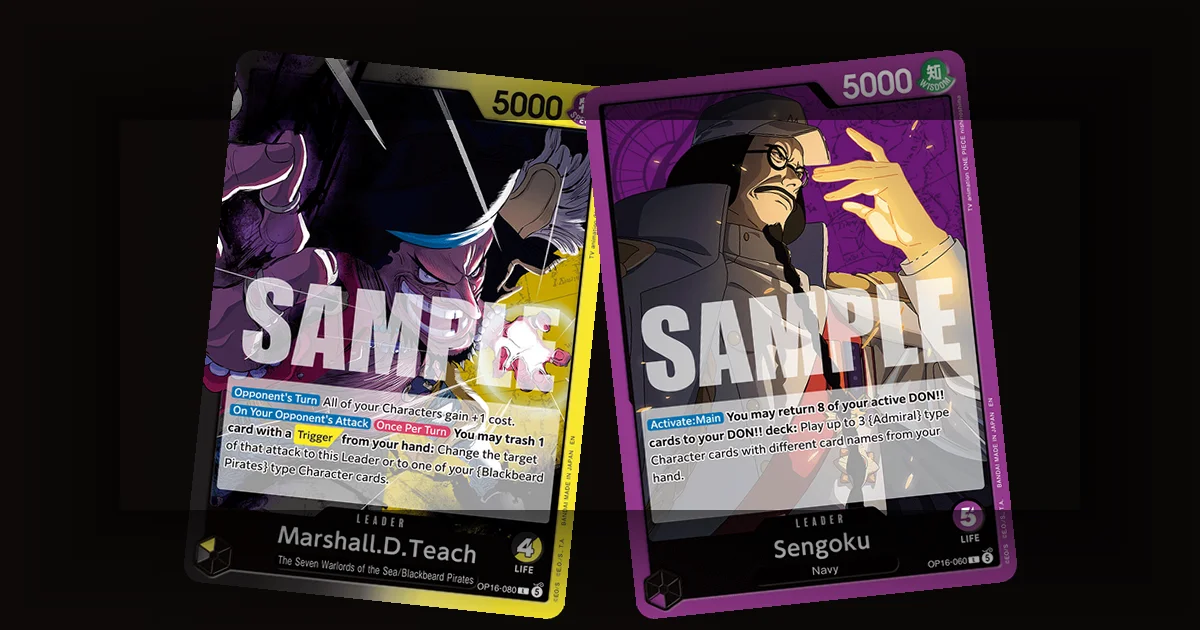 Whether you're playing on a physical table or a virtual one, you're still reading the same printed cards. Nothing about going digital changes what the card text says.
GODEEPER: Want the complete rules before you try either official tool? Start here. One Piece TCG Beginner Guide 2026 →
If what you actually want is a full match against another person without owning physical cards, the tool the community actually uses is Tabletop Simulator, a general-purpose virtual tabletop game on Steam. It is not built specifically for One Piece TCG. It's a sandbox where anyone can upload a "mod," a 3D recreation of a game's table and pieces, through Steam Workshop.
Multiple community-made One Piece Card Game tables already exist in the Steam Workshop, built and maintained by players, not Bandai. Once you own Tabletop Simulator itself (a one-time paid purchase on Steam), every Workshop mod, including these, is free to subscribe to and load. Two players join the same table, load a mod, set up their decks as physical objects on a virtual mat, and play the actual game while talking over Discord or a similar voice call.
This is genuinely playing the real game, card for card, against a real opponent. The tradeoff is setup: you need to own the base app, find and subscribe to a mod that's currently maintained, and manually move cards the way you would at a physical table, since there's no automated rules engine checking your plays for you.
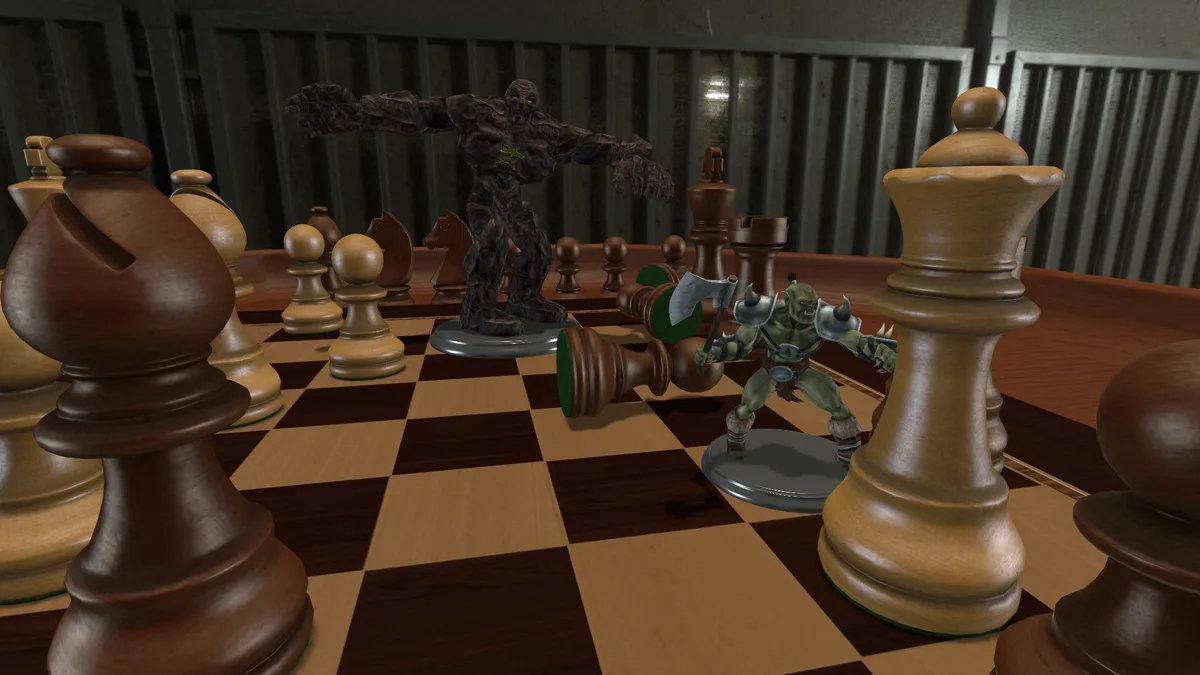 Tabletop Simulator itself isn't card-game-specific, this is its default chess board. Community creators build One Piece Card Game tables inside this same sandbox, but individual mods can be pulled or go stale, so check activity before committing to one.
Was this guide helpful?
About the author
Competitive TCG Analyst
Competitive One Piece TCG player and deck builder with 3 years of tournament experience. Covers meta analysis, tier lists, and leader builds.
Disclaimer
This article is published for informational and entertainment purposes. It does not constitute professional financial, legal, or technical advice. Game performance, online services, patch schedules, and store listings change. Verify critical details (pricing, system requirements, regional availability) with publishers and storefronts before you buy. Affiliate links, where present, help support our editorial work and are labelled in our affiliate disclosure.
GODEEPER: Ready to actually build a deck before you play? This walks through the full 50-card construction process. One Piece TCG Deck Building Guide →
Limitless is a tournament platform that explicitly lists One Piece Card Game among its supported games at play.limitlesstcg.com, alongside Pokemon TCG, Digimon, Gundam, and others. What it actually provides is tournament infrastructure: generating pairings, handling decklist submission, and running the event side of competitive play. A lot of organized One Piece TCG events run on it behind the scenes.
It is not a place to open a browser and instantly start a casual match against a stranger. If you're chasing competitive results or want to track how the metagame is actually performing, Limitless's One Piece database is a genuinely useful reference tool, just not an online-play client in the sense most people mean when they search this topic.
Don't expect Tabletop Simulator to catch your mistakes. Unlike a true digital card game client, there's no rules engine here. If you or your opponent misplay DON!! costs or forget a trigger, you have to catch it yourselves, the same as at a physical table.
Check a Workshop mod's activity before committing to it. Community-built content can lapse when the creator moves on. A mod with recent comments and a maintained update log is a safer bet than one that hasn't been touched in months.
Use the Teaching App to drill the turn structure solo before your first online match. It's free, requires no purchase, and means you won't be learning the rules and juggling Tabletop Simulator's interface at the same time.
If your goal is competitive practice, singles matter more than the platform. A cheap, real 50-card deck you can playtest with local friends still beats a virtual table for building genuine reps. Setting up a mod, syncing camera angles, and manually tracking Life takes longer per game than just shuffling up physical cards, and that friction adds up over a long practice session.
Is there an official One Piece TCG app to play online? Not for real multiplayer matches. Bandai's Teaching App and Quick Beginner's Guide cover tutorial practice only, both browser-based and free.
What's the real way to play One Piece TCG online against other people? Tabletop Simulator on Steam, using a free community-made One Piece Card Game mod from its Steam Workshop, paired with a voice call.
Is Tabletop Simulator free? No, it's a one-time paid Steam purchase. Every Workshop mod is free once you own the base app.
Can I practice without buying cards or software? Yes, with limits. The free Teaching App teaches rules and runs a scripted practice battle, but it won't test a real deck against a live opponent.
What is Limitless TCG and does it let me play online? It's a tournament platform that supports One Piece Card Game for pairings and decklist submission, the backbone behind many organized events, not an instant-match client.
Do I need an account for the Teaching App? No sign-up is required to open it. It runs directly in a current Chrome or Safari browser.
Related
Union Arena Re:ZERO Emilia Deck Guide: Purple Build 2026
13 min read
Union Arena Attack on Titan Vol.2 Buying Guide: What to Buy
14 min read
Union Arena Re:ZERO Buying Guide: Box, Deck, or Singles
17 min read
Union Arena Attack on Titan Armin Deck Guide: Red Vol.2
21 min read
Union Arena Re:ZERO Rem Deck Guide: Yellow Build 2026
10 min read